When the agent of a server needs to be updated for new features or version modifications, there are two ways to update the agent:
➣System-wide update
➣Single host update
The agent can be automatically updated in the server detection list settings.
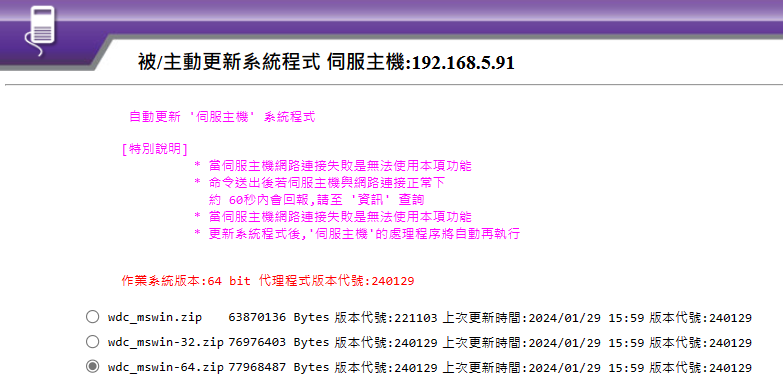
※Special Note:
➣This function cannot be used when the server network connection fails.
➣If the server is normally connected to the network, a response will be reported within approximately 60 seconds after the command is sent. Please check the 【Information】.
➣After updating the system program, the processing procedure of the 【Server】 will automatically execute again.
The main feature of this function is that maintenance personnel do not need to go through a complete reinstallation process for upgrading or updating the agent version.
By using this function, the agent can be updated to the latest version.